


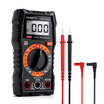
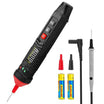
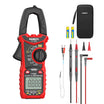
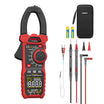




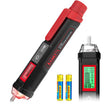
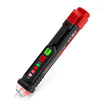
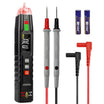
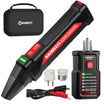
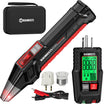
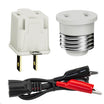
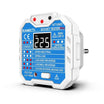
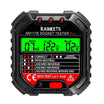
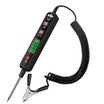
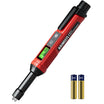
















A voltage tester pen is often the first tool people reach for when they want to know whether something may be live. It is small, quick to use, and does not require you to touch bare metal for a basic check.
A voltage tester pen can warn you about the possible presence of AC voltage, but it does not give you a full electrical diagnosis. It cannot tell you the exact voltage, and a silent tester does not always mean a circuit is safe to touch.
This guide explains how to use a voltage tester pen.
What is a Voltage Tester Pen?
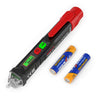
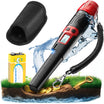
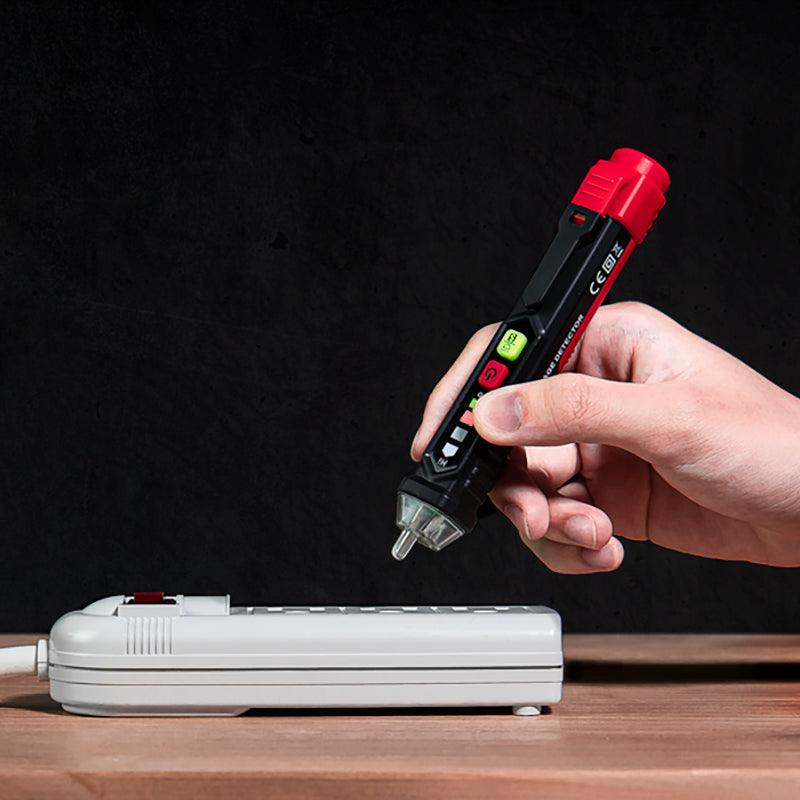
A voltage tester pen is a handheld tool used to detect AC voltage near a conductor. Most models look like a marker. You bring the sensing tip close to the area you want to check, and the tester reacts if it detects voltage within its rated range.
People often call it a non-contact voltage tester because the tip does not need to touch a bare wire. In many cases, it can sense voltage through insulation or at the face of an outlet.
A voltage tester pen is commonly used to:
- Check whether an outlet may be live
- Test a switch before removing the cover
- Check a power cord or extension cord
- See whether a wire may still be energized after a breaker is turned off
The key word is detect. A tester pen does not measure the exact voltage value. It simply tells you that voltage may be present near the tip.
Voltage Tester Pen vs Multimeter
A voltage tester pen and a multimeter are both useful, but they answer different questions.
A voltage tester pen answers a quick question: “May this be live?”
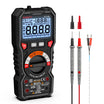
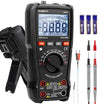
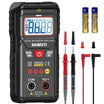
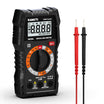
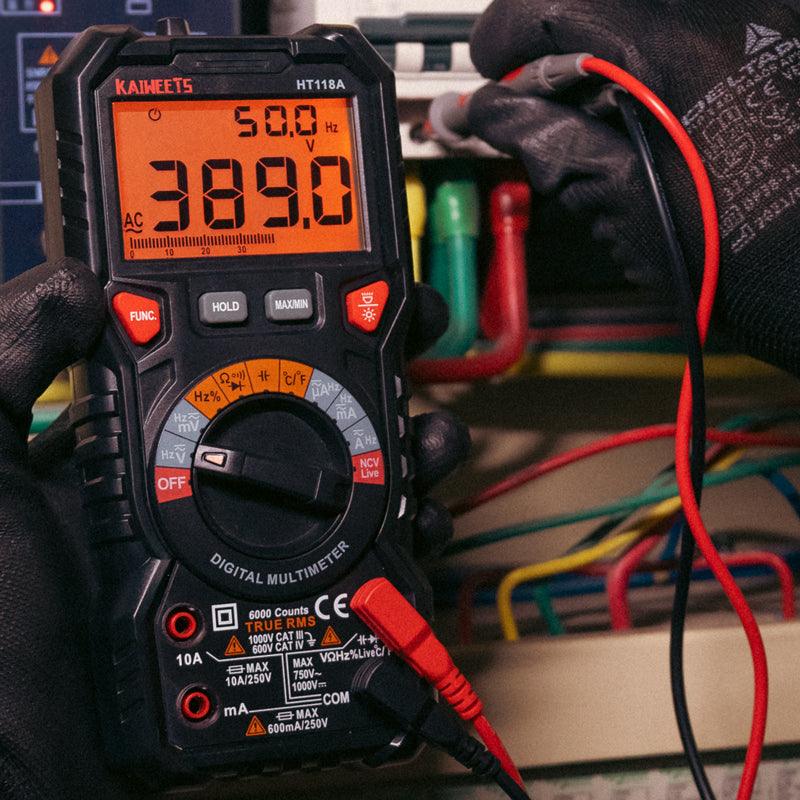
A multimeter gives a measurement. If you need to know the actual voltage, or you need to troubleshoot a circuit in more detail, use a multimeter.
For example, a voltage tester pen may react at a wall outlet. That tells you voltage may be present. A multimeter can tell you whether the outlet is actually reading around the expected voltage.
For many home DIY jobs, the tester pen is a first check. The multimeter is for confirmation.
| Tool | Best For | Limitation |
|---|---|---|
| Voltage tester pen | Quick live-voltage detection | Does not show the exact voltage |
| Multimeter | Actual readings and troubleshooting | Requires proper setup and probe contact |
How Does a Non-Contact Voltage Tester Work?
A non-contact voltage tester senses the electric field around an energized AC conductor.
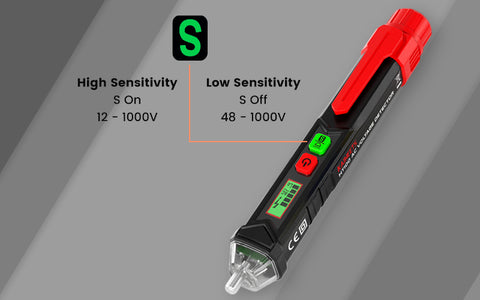
When the tip gets close enough, the tester responds. Depending on the model, it may beep, flash, or change indicator color.
This is why the tool can work without direct contact. It is not reading the circuit the same way a multimeter does. It is sensing the field around the conductor.
That also explains why the result is not perfect in every situation. The tester may be affected by distance, insulation, nearby live conductors, or weak batteries.
So when the tester reacts, treat it as a warning. When it does not react, do not automatically assume the wire is safe.

How to Use a Voltage Tester Pen
Step 1: Test the Tester First
Before checking an unknown circuit, test the voltage pen on a source you already know is live. A working wall outlet is usually the easiest choice.
Turn on the tester and place the tip near the hot slot. If the tester reacts normally, you can move on to the area you want to check.
If it does not react, stop. Check the battery, make sure the tester is turned on, and confirm the correct mode if your model has more than one. If it still does not respond, do not use it.
This first step matters because a failed tester can make a live circuit look safe.
Step 2: Move the Tip Toward the Test Point
Bring the tip close to the area you want to check. Move slowly and give the tester time to respond.
Do not force the tip into crowded wiring. Do not touch exposed metal with your fingers. If the area is difficult to access safely, stop and use another method.
For a wall outlet, the smaller slot is usually the hot side on a properly wired US receptacle. The tester will normally respond more clearly there.
For a wire, move the tip along the insulation. Do not pierce the wire or push the tester into the cable.
Step 3: Read the Result Carefully
If the tester lights up or beeps, assume voltage may be present.
If there is no response, it only means the tester did not detect voltage at that spot. It does not always mean the circuit is safe to touch.
This difference is important. A non-contact tester can miss voltage if the conductor is shielded, too far from the tip, or outside the tester’s detection range. It may also respond to a nearby live conductor instead of the exact wire you are checking.
For a quick warning, the result is useful. For a safety decision, confirm with the right meter.
Step 4: Test the Tester Again
After checking the circuit, go back to the known live source and test the pen again.
If it still reacts, your test result is more trustworthy.
If it no longer reacts, your earlier result may not be reliable. The battery may have failed, or the tester may have stopped working during use.
This before-and-after habit takes only a few seconds and helps prevent a dangerous false negative.
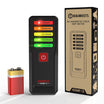
KAIWEETS voltage testers
KAIWEETS non-contact voltage detectors come with sturdy, high-quality construction, are simple to use and are certified up to CAT IV 1000 V. These detectors stand out and contribute to your safety thanks to Kaiweets's exceptional dependability, which you have come to anticipate. Kaiweets provides more top-notch electrical testers. Check out the complete lineup of voltage continuity testers and electrical testers from Kaiweets.

More Resources:

Leave a comment
All comments are moderated before being published.
This site is protected by hCaptcha and the hCaptcha Privacy Policy and Terms of Service apply.