




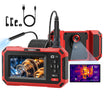


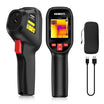
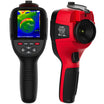
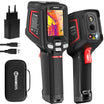
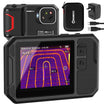
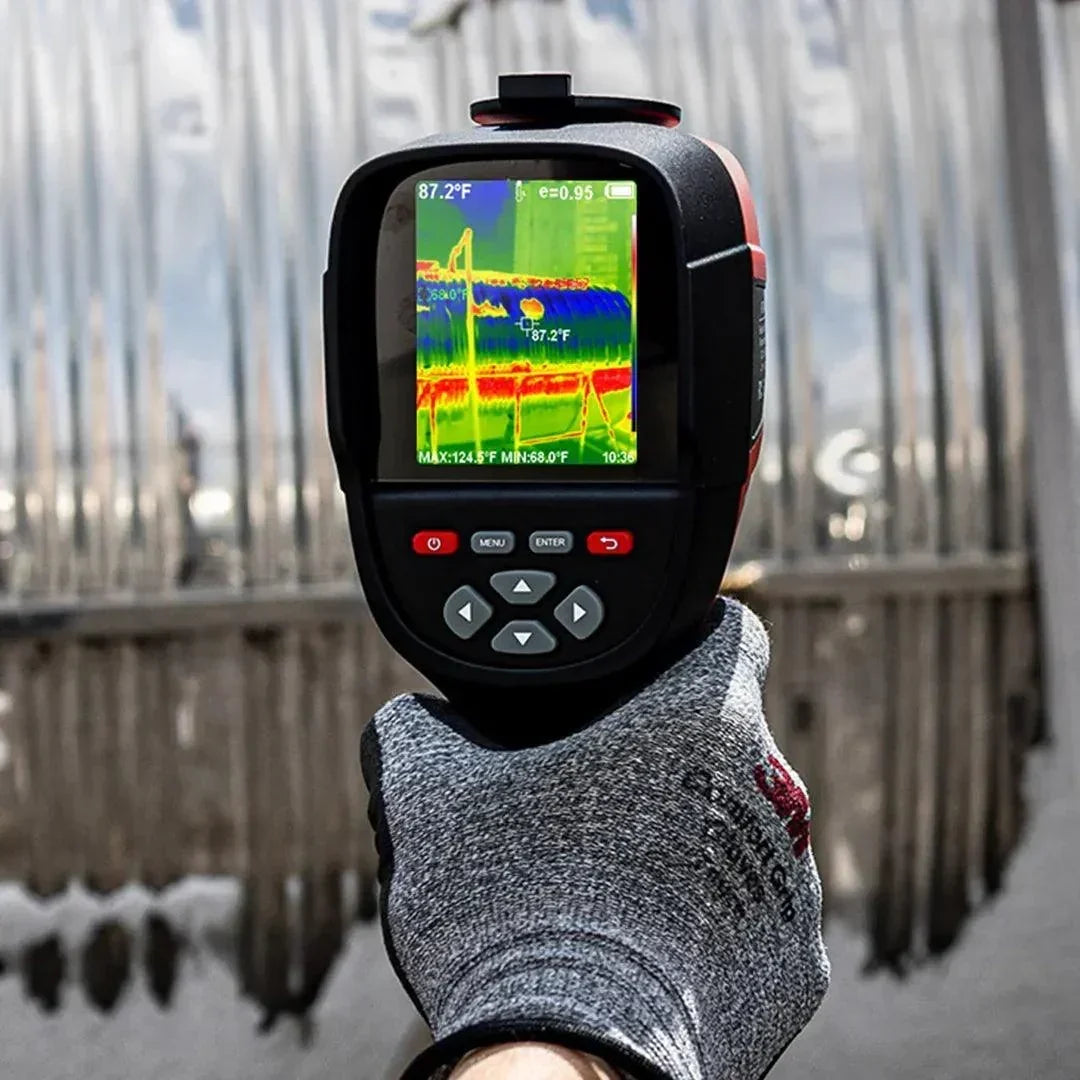
Choosing the right infrared thermal imaging camera starts with the job you need it to perform. Consider the size of the target, your working distance, and whether you need accurate temperature measurements or only a visual heat pattern.
The most important specifications are native thermal resolution, thermal sensitivity, temperature range, and measurement accuracy. Lens design, focus, software, and field durability can also affect how useful the camera is in real inspections.

What Will You Use the Thermal Imaging Camera For?
Your application determines which thermal camera specifications deserve the most attention. A camera designed for quick home inspections may not provide enough detail for small electrical components or professional reporting.
Home and Building Inspections
For building inspections, look for a camera that can reveal small temperature differences across walls and ceilings. Good thermal sensitivity is especially helpful when checking insulation or identifying surface patterns that may indicate moisture.
A thermal camera does not see through walls. It shows surface temperature patterns that may help you decide where further inspection is needed.
Electrical and Mechanical Maintenance
Electrical inspections often involve relatively small targets. Higher thermal resolution and suitable focus controls can make loose connections or overloaded components easier to distinguish.
The camera should also cover the expected temperature range of the equipment. Inspections around exposed energized components should only be performed by qualified users following appropriate electrical safety procedures.
HVAC Troubleshooting
HVAC work usually benefits from a balanced general-purpose camera. It should provide enough resolution to compare vents, refrigerant lines, and equipment surfaces without requiring frequent repositioning.
Adjustable temperature span and clear on-screen measurement tools can make temperature patterns easier to interpret.
Electronics and Research
Small electronic components require more detail than large building surfaces. Prioritize higher native resolution, close focusing capability, and radiometric image storage if you need to analyze individual temperature values later.
General-purpose inspection cameras should not be used to diagnose medical conditions. Medical thermography requires devices intended for that purpose, controlled procedures, and qualified interpretation.
Which Thermal Camera Specifications Matter Most?
The best thermal camera cannot be selected from one specification alone. Resolution affects visible detail, while sensitivity determines how clearly the camera separates similar temperatures.
| Specification | Why It Matters | What to Check |
|---|---|---|
| Native IR resolution | Determines how much thermal detail the detector captures. | Check detector resolution rather than screen resolution. |
| Thermal sensitivity | Shows how well the camera separates small temperature differences. | Look for the NETD value in mK. A lower number is better. |
| Measurement accuracy | Affects the reliability of displayed temperature values. | Review the stated accuracy and the conditions under which it applies. |
| Temperature range | Defines the lowest and highest temperatures the camera can measure. | Choose a range that covers your normal targets with some margin. |
| Field of view and IFOV | Determine how much of the scene is captured and how small a target can be measured. | Match the lens to the target size and inspection distance. |
| Focus | Affects image sharpness and measurement reliability. | Compare fixed-focus, manual-focus, and autofocus designs. |
How Much Thermal Resolution Do You Need?
Thermal resolution is the number of temperature-sensing pixels in the infrared detector. More pixels allow the camera to show smaller targets and finer temperature patterns.
Do not confuse thermal resolution with the resolution of the display or visible-light camera. Enlarged or software-enhanced images may look smoother, but native detector resolution still determines how much thermal information was originally captured.
- 120 × 90 or 160 × 120: Suitable for close-range checks of large, obvious hot or cold areas.
- 256 × 192 or 320 × 240: A stronger general-purpose choice for building, HVAC, and routine electrical inspections.
- 640 × 480 or higher: Better suited to small targets, longer distances, or detailed professional reports.
These ranges are practical starting points rather than fixed rules. Lens selection and working distance also determine how many thermal pixels cover the target.

What Does Thermal Sensitivity Mean?
Thermal sensitivity describes the smallest temperature difference the camera can distinguish. It is commonly listed as NETD and measured in millikelvins, or mK.
A lower NETD value indicates better sensitivity. This helps the image show smoother temperature transitions instead of blending similar areas together.
Low NETD is especially valuable when examining insulation or subtle moisture-related patterns. It is less critical when the target has an obvious temperature difference, such as a severely overheated component.
When comparing cameras, make sure their NETD figures were measured under similar conditions. A number without a reference temperature may not provide a fair comparison.

How Should You Compare Temperature Range and Accuracy?
Choose a temperature range that matches the equipment or surfaces you normally inspect. A wider range is not automatically better if you never work near its upper limit.
Building inspections usually involve moderate surface temperatures. Automotive, industrial, or furnace-related work may require a much higher upper range.
Accuracy should be evaluated separately from temperature range. Many specifications express accuracy as a fixed temperature value or a percentage of the reading. Check which value applies and whether the manufacturer lists ambient-temperature limitations.
Make Sure the Camera Supports Emissivity Adjustment
Emissivity affects how accurately a thermal camera measures different surfaces. Matte, non-metallic materials usually emit infrared energy more effectively than polished metal.
Shiny metal can reflect surrounding infrared energy and create misleading readings. A camera with adjustable emissivity and reflected-temperature compensation gives experienced users more control over these measurements.
How Do Lens and Focus Affect Thermal Inspections?
The lens determines how much of the scene the camera sees and how much detector resolution is placed on the target. A wide field of view works well in small rooms, while a narrower field of view is more useful for distant equipment.
Fixed Focus or Manual Focus?
Fixed-focus cameras are convenient for quick inspections at common working distances. They require little setup and are often suitable for homeowners or routine maintenance.
Manual focus provides more control when inspecting small components or working at different distances. Autofocus can improve speed, but its performance should still be evaluated on the types of targets you inspect.
Check the Minimum Focusing Distance
A camera may have good thermal resolution but still struggle with very close targets. Check the minimum focusing distance if you plan to inspect circuit boards or compact mechanical parts.
Which Imaging and Measurement Features Are Useful?
Useful features should make thermal patterns easier to interpret rather than simply adding more menu options. Prioritize features that support your normal inspection and reporting process.
- Radiometric images: Store temperature data that can be reviewed and adjusted in compatible software.
- Visible and thermal image blending: Makes it easier to identify the exact location of a temperature pattern.
- Adjustable level and span: Helps isolate the temperature range that matters in the current scene.
- Measurement tools: Spot markers and area boxes can help compare temperatures within one image.
- Color palettes: Allow users to select a display that makes the relevant temperature pattern easier to see.
A high-quality visible-light camera can also improve documentation. It does not increase thermal resolution, but it can make inspection locations easier to recognize later.
What Storage, Connectivity, and Software Do You Need?
Choose a camera that fits the way you save, analyze, and share inspection results. Basic users may only need local image storage and USB transfer.
Professional users should also evaluate the reporting software. Check whether it can edit temperature parameters, add annotations, and create reports without a recurring subscription.
Wi-Fi or Bluetooth can simplify image transfer, but connectivity should not replace reliable onboard storage. Confirm that the camera remains fully usable when a phone or internet connection is unavailable.

What Should You Check for Field Use?
A camera used regularly in the field should be comfortable to operate and durable enough for the working environment. Specifications are less useful when controls are difficult to access or the battery cannot last through an inspection.
- Check expected battery runtime under normal operating conditions.
- Look for replaceable or rechargeable battery options that suit your workflow.
- Confirm the operating-temperature range for outdoor or industrial use.
- Review the camera’s drop resistance and ingress-protection rating.
- Make sure the screen remains readable in bright environments.
- Consider whether the controls can be operated while wearing work gloves.
How Should You Compare Price and Long-Term Value?
Set your budget after identifying the minimum specifications required for your work. Buying the least expensive camera can cost more later if its resolution or software cannot produce usable reports.
At the same time, paying for an extreme temperature range or advanced analysis tools may not benefit occasional users. Compare cameras based on the features you will actually use.
Warranty coverage and technical support also affect long-term value. Professional users should check whether calibration services, replacement batteries, and software updates will remain available.
What Are the Most Common Buying Mistakes?
The most common mistake is choosing a thermal camera from its advertised resolution or maximum temperature alone. Real performance depends on several connected specifications.
- Comparing display resolution instead of native thermal resolution.
- Ignoring thermal sensitivity when looking for subtle temperature patterns.
- Choosing a lens without considering target size or inspection distance.
- Assuming a thermal camera can see moisture or objects through a wall.
- Trusting temperature readings from shiny metal without correcting for emissivity.
- Buying a non-radiometric camera when numerical temperature analysis is required.
- Overlooking reporting software, file compatibility, or ongoing fees.
Thermal Imaging Camera Buying Checklist
Before buying, confirm that the camera meets the needs of your real inspection environment. Use the following checklist to compare your final options.
- What is the smallest target you need to inspect?
- How far will you normally be from that target?
- Do you need radiometric temperature data or only thermal patterns?
- Is the native thermal resolution clearly stated?
- Is the NETD low enough for the temperature differences you need to detect?
- Does the measurement range cover your application?
- Can you adjust emissivity and other measurement parameters?
- Does the lens provide a suitable field of view?
- Can the camera focus at your normal working distances?
- Are the storage format and reporting software practical?
- Is the battery life sufficient for a normal inspection?
- Does the manufacturer provide suitable warranty and technical support?
Final Recommendation
The right infrared thermal imaging camera is the one that can resolve your target clearly at the distance you normally work. It should also detect the temperature differences that matter to your inspection.
For general building, HVAC, and electrical troubleshooting, prioritize balanced thermal resolution, good sensitivity, and radiometric measurement. For smaller or more distant targets, invest in higher native resolution and appropriate focus controls.
Do not select a camera from one headline specification. Compare the complete imaging system, including the detector, lens, measurement controls, software, and field usability. This approach will help you choose a camera that produces useful thermal images instead of simply impressive specifications.

Leave a comment
All comments are moderated before being published.
This site is protected by hCaptcha and the hCaptcha Privacy Policy and Terms of Service apply.