


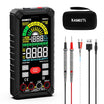

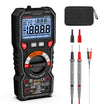
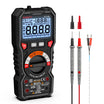


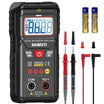
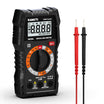

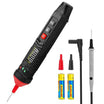


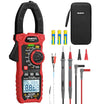




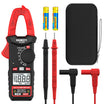



























































A multimeter can measure the voltage of a removable cell phone battery, but it cannot confirm the battery’s remaining capacity or predict its runtime. Most smartphone batteries are single-cell lithium-ion packs. Their normal voltage is usually much closer to 4 volts than 12 volts.
This test is suitable only for a removable battery or a battery that has already been disconnected according to the phone manufacturer’s repair instructions. Do not open a sealed phone solely to take a voltage reading.
Never test a battery that is swollen or visibly damaged. Stop using the phone and arrange professional service instead. Do not press the battery back into the case or attempt to puncture it.
To test a removable cell phone battery, you will need:
- A digital multimeter
- The phone and its removable battery
- The battery label or manufacturer specifications
- A screwdriver only when the approved removal instructions require one

How do you test a cell phone battery with a multimeter?
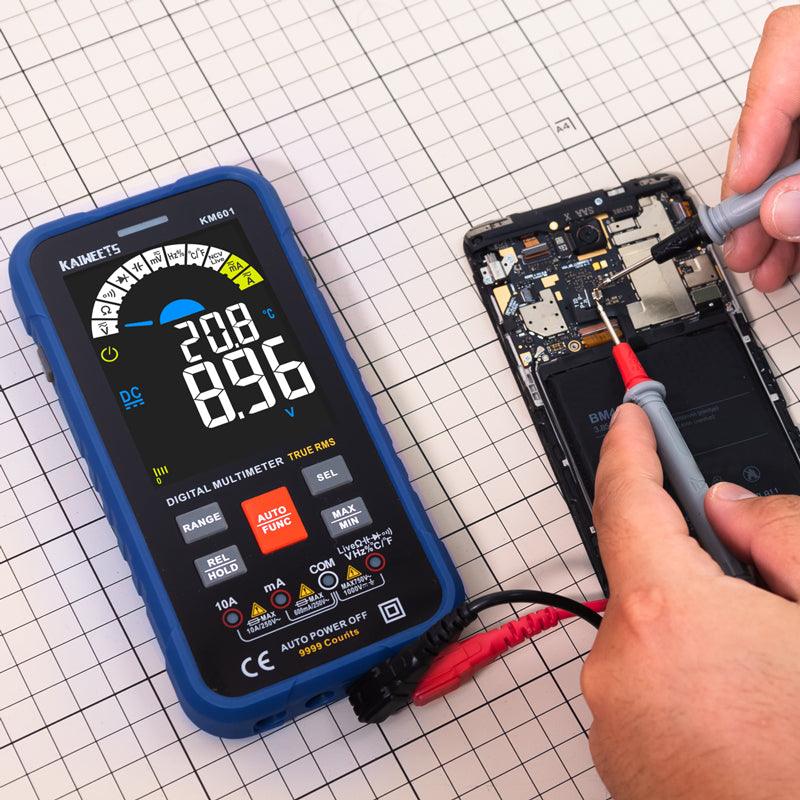
You can test a removable phone battery by disconnecting it from the phone and measuring the DC voltage across its positive and negative terminals.
- Turn off the phone. Disconnect the charger before removing the battery.
- Inspect the battery. Do not continue if the battery is swollen, leaking, unusually hot, or physically damaged.
- Check the battery label. Note the nominal voltage and the maximum charging voltage when they are shown. These values provide a better reference than a universal voltage range.
- Set the multimeter to DC voltage. Look for the V⎓ symbol. If the meter is manually ranged, select a range above the expected battery voltage. The 20 V range is commonly suitable.
- Identify the battery terminals. Use only the contacts marked positive (+) and negative (−). Some batteries have additional contacts for temperature monitoring or communication.
- Place the probes on the terminals. Touch the red probe to positive and the black probe to negative. Keep the probe tips from touching each other or bridging nearby contacts.
- Read the display. A negative value usually means the probes are reversed. Swap them and measure again.
Never select the current setting and place the probes directly across a battery. Doing so can create a short circuit through the meter. Resistance and continuity modes are also unsuitable for this test.
If you are still learning how to use a multimeter, confirm the voltage setting and probe connections before touching the battery terminals.
What voltage should a cell phone battery show?
The correct reading depends on the voltage printed on the battery, but many single-cell smartphone batteries operate between roughly 3 and 4.4 volts.
| Multimeter reading | What it may indicate |
|---|---|
| Near the maximum charging voltage printed on the label | The battery has a high state of charge. Many modern packs read about 4.2 to 4.4 V when fully charged. |
| Near the nominal voltage printed on the label | The battery is within its normal operating range. Nominal ratings are commonly around 3.6 to 3.9 V. |
| Well below the nominal voltage | The battery may be deeply discharged. Charge it only with the phone or an approved charger. |
| Zero volts or an unstable reading | The probes may not be making contact. The battery’s protection circuit may also have disconnected the output. |
| Above the stated maximum charging voltage | Stop testing and verify the meter setting. Do not charge or reinstall the battery until the result has been checked. |
These ranges are general references rather than pass-or-fail limits. High-voltage lithium-ion packs can use different charging specifications, so the battery label should take priority.
Can a multimeter tell whether a phone battery is healthy?
A multimeter can reveal the battery’s open-circuit voltage, but voltage alone does not provide a complete battery-health test.
An aged battery may show normal voltage when no load is connected. Its voltage can then drop sharply when the phone demands power. This can cause unexpected shutdowns even though the initial multimeter reading looked acceptable.
A basic voltage test cannot directly measure:
- The battery’s remaining capacity in milliamp-hours
- Its ability to deliver power under load
- The rate of self-discharge
- The accuracy of the phone’s charge-percentage estimate
Capacity testing requires controlled charging and discharging equipment. For most users, the phone’s built-in battery-health information is more useful than an open-circuit voltage measurement.
How do you check a phone with a built-in battery?
A phone with a sealed battery should normally be checked through its battery settings or an approved diagnostic service rather than by placing multimeter probes inside the device.
Start by reviewing the phone’s battery-usage screen. Look for an app or system process using an unusually large amount of power. Some phones also display maximum capacity, cycle count, or a battery-service warning.
Use the manufacturer’s repair manual when physical access is genuinely required. Smartphone batteries are often held in place with strong adhesive. Incorrect removal can damage the cell and create a fire risk.
What are the signs of a failing cell phone battery?
A failing battery often causes noticeable changes in runtime or physical condition.
- Rapid battery drain: The phone lasts much less time under the same pattern of use.
- Unexpected shutdowns: The phone turns off while the screen still shows remaining charge.
- Battery-health warning: The operating system recommends service or reports reduced capacity.
- Persistent charging problems: The charge level rises slowly despite a compatible charger and clean charging port.
- Battery swelling: The screen or back cover begins lifting away from the frame.
Excessive heat can also indicate a battery or charging problem. Some warmth during charging is normal, but repeated overheating should be investigated.
What should you do with a swollen phone battery?
Stop using and charging the phone when the battery has swollen or pushed the screen away from the frame.
- Do not press the screen or back cover into place.
- Do not bend, puncture, or remove the battery.
- Keep the device away from heat and flammable materials.
- Contact the manufacturer or a qualified repair provider.
- Use an approved battery-recycling service rather than household waste.
A voltage test is unnecessary once physical swelling is visible. The battery already requires professional assessment and replacement.
What commonly causes poor phone battery performance?
Poor battery life does not always mean that the battery itself has failed.
Battery aging
Lithium-ion batteries gradually lose capacity as they complete charge cycles and chemically age. Shorter runtime is expected after extended use.
High power consumption
A bright display or an app running continuously in the background can increase power use. The battery-usage screen can help identify the cause.
Charging-port problems
Debris or connector damage can interrupt charging. Inspect the port carefully without inserting metal objects.
Incompatible charging equipment
A poorly matched charger may charge slowly or produce excessive heat. Use equipment that meets the phone manufacturer’s stated charging requirements.
Extreme temperatures
Heat accelerates battery aging. Very cold conditions can temporarily reduce performance until the phone returns to a normal temperature.
Software changes
Battery drain may temporarily increase after an operating-system update while the phone completes background tasks. Persistent drain should be checked through battery-usage data.
How can you extend the life of a cell phone battery?
You can reduce battery wear by controlling heat and using the phone’s built-in charging protections.
- Keep the phone cool. Avoid charging it in direct sunlight or leaving it inside a hot vehicle.
- Use charging optimization. Features such as adaptive charging can reduce the time the battery remains fully charged.
- Use a compatible charger. Replace damaged cables and avoid chargers that cause repeated overheating.
- Avoid unnecessary full discharges. Partial charging is suitable for modern lithium-ion batteries.
- Reduce avoidable power use. Lower the screen brightness or restrict an app that is consuming excessive power.
- Store unused phones partly charged. Follow the manufacturer’s instructions and avoid long-term storage with an empty battery.
Compatible fast charging is managed by the phone’s charging system. It does not need to be avoided in every situation. However, using the phone heavily while fast charging can create additional heat.
FAQs about testing cell phone batteries
Is 12 volts a normal reading for a cell phone battery?
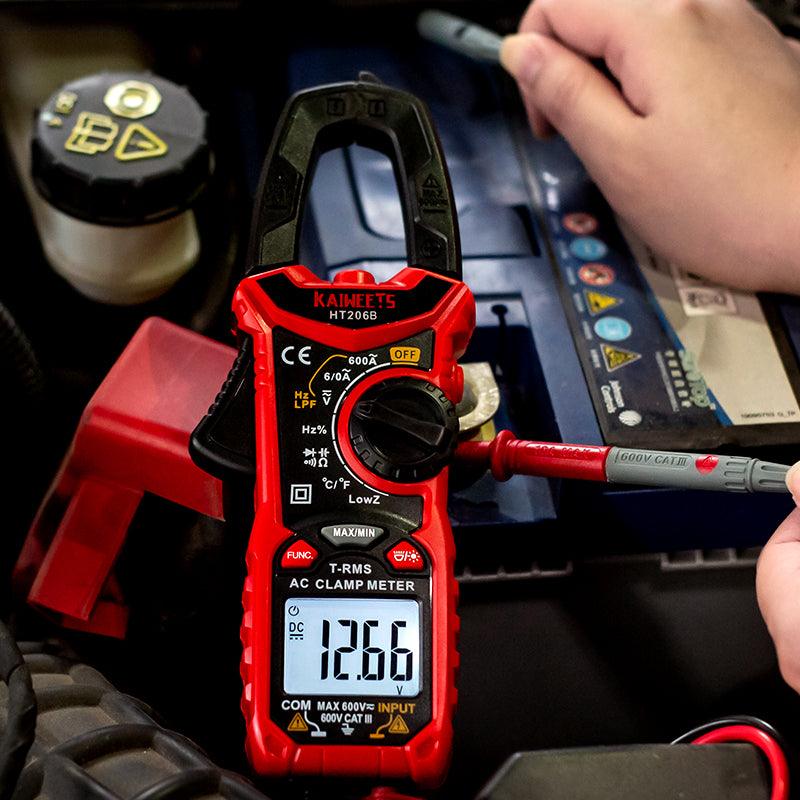
No. Most smartphone batteries use a single lithium-ion cell and normally read around 3 to 4.4 volts. A 12 V reading usually means the meter setting, test points, or battery identification should be checked.
Can a phone battery be tested without removing it?
You can review battery health and power usage without removing the battery. Direct voltage testing normally requires access to the battery terminals, which is not recommended for a sealed phone unless the manufacturer’s repair procedure is followed.
Does a normal voltage reading mean the battery is good?
No. An aged battery can show normal voltage while disconnected but fail when the phone draws current. Runtime, battery-health data, and behavior under load provide additional evidence.
Why does the multimeter show a negative voltage?
The probes are probably reversed. Place the red probe on the positive terminal and the black probe on the negative terminal.
Does charging a phone overnight damage the battery?
Modern phones regulate charging and may delay the final part of the charge when optimization is enabled. Heat and prolonged time at full charge can still increase wear, so use the manufacturer’s charging features and keep the phone uncovered when it becomes hot.
How long does a cell phone battery last?
There is no universal number of years. Battery lifespan depends on charge cycles, operating temperature, and daily use. Replacement is usually appropriate when reduced capacity begins interfering with normal use or the phone recommends service.
When should you get professional help?
Professional service is the safer choice when the battery is sealed inside the phone or shows signs of physical damage.
You should also arrange service when the phone shuts down repeatedly despite a normal voltage reading. A technician can test the battery under load and check the charging circuit for faults.
A multimeter remains useful for checking the DC voltage of an accessible battery. The result should always be compared with the specifications printed on the battery rather than an assumed 12 V value.


Commenta
Nota che i commenti devono essere approvati prima di essere pubblicati.
Questo sito è protetto da hCaptcha e applica le Norme sulla privacy e i Termini di servizio di hCaptcha.